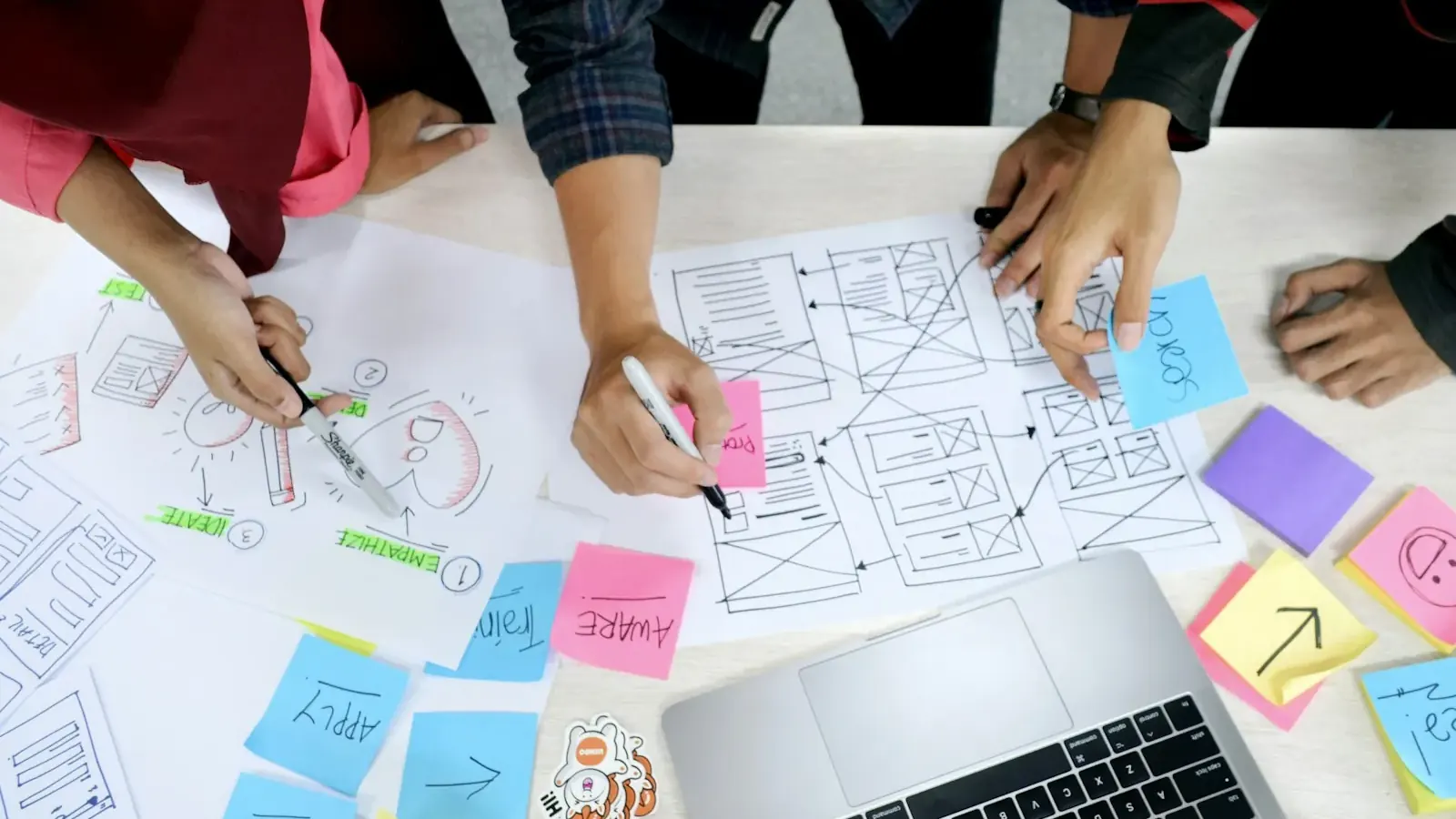
From idea to app: 8 steps
Making an app is like building a house: first you work out who it is for and why, then you draw a plan, and only then do you pick up a hammer. Most problems appear where this order is broken and people "start development" at once.
- Idea and demand check. Who needs it and are they ready to use it (and pay for it).
- First version. The minimum set of features that solves the main task.
- Screens and prototype. What the user's path looks like.
- Development. Building the app and its back end.
- Testing. Checking on real phones.
- Accounts and materials for the stores. Description, screenshots, privacy policy.
- Publishing. Apple and Google review, then release to the store.
- Growth. Analytics, fixes, promotion, new features.
What each stage and the app as a whole cost is set out in "App Development Cost". Here we focus on the order of actions and the pitfalls.
Steps 1–2: check the idea and define the first version
The most expensive mistake is to build an app nobody needs. Checking takes weeks, not months, and costs almost nothing.
Check that the problem exists
Talk to 10–15 people from your future audience. Do not ask "would you like this app?" (everyone politely says yes) but "how do you solve this task now, and how much time and money does it take?". If people feel no pain or are already happy with what they have, rethink the idea.
Look at the alternatives
Find 3–5 similar apps in the App Store and Google Play. Read the reviews: what people complain about and what is missing. This is free research of your market in your country that shows where you can do better.
Define the minimum
The first version is one main user task, solved from start to finish. Not "catalog, chat, loyalty, map and rating" but, for example, "book a stylist in three taps". Everything else comes later. Such a version is called an MVP; what it is and what it costs is covered in "What Is an MVP and How Much Does It Cost".
Decide whether you need an app at all
Sometimes a website, an app made from a website (a PWA) or a Telegram Mini App solves the task, and you do not need to spend on the stores. How to choose is covered in "App vs Website". An app makes sense when you need notifications, the camera, geolocation, offline mode or the customer uses the service often.
Is your app idea ready for development
- I can describe the user's main task in one sentence
- I have talked to at least 10 people from the future audience
- I have looked at 3–5 similar apps and their reviews
- The first version's feature list is no longer than 5–8 screens
- I have a screen map or prototype
- It is clear why I need an app rather than a website or a PWA
- I have set a budget for development and for promotion after launch
- There is a person who makes decisions and answers questions within 1–2 days
- I have a logo, colors and texts for the interface
- I know how the app will earn or pay back
- I am ready to register the Apple and Google accounts in my name or my company's
- A privacy policy is prepared, or there is someone to prepare it
Step 3: screens, prototype and design
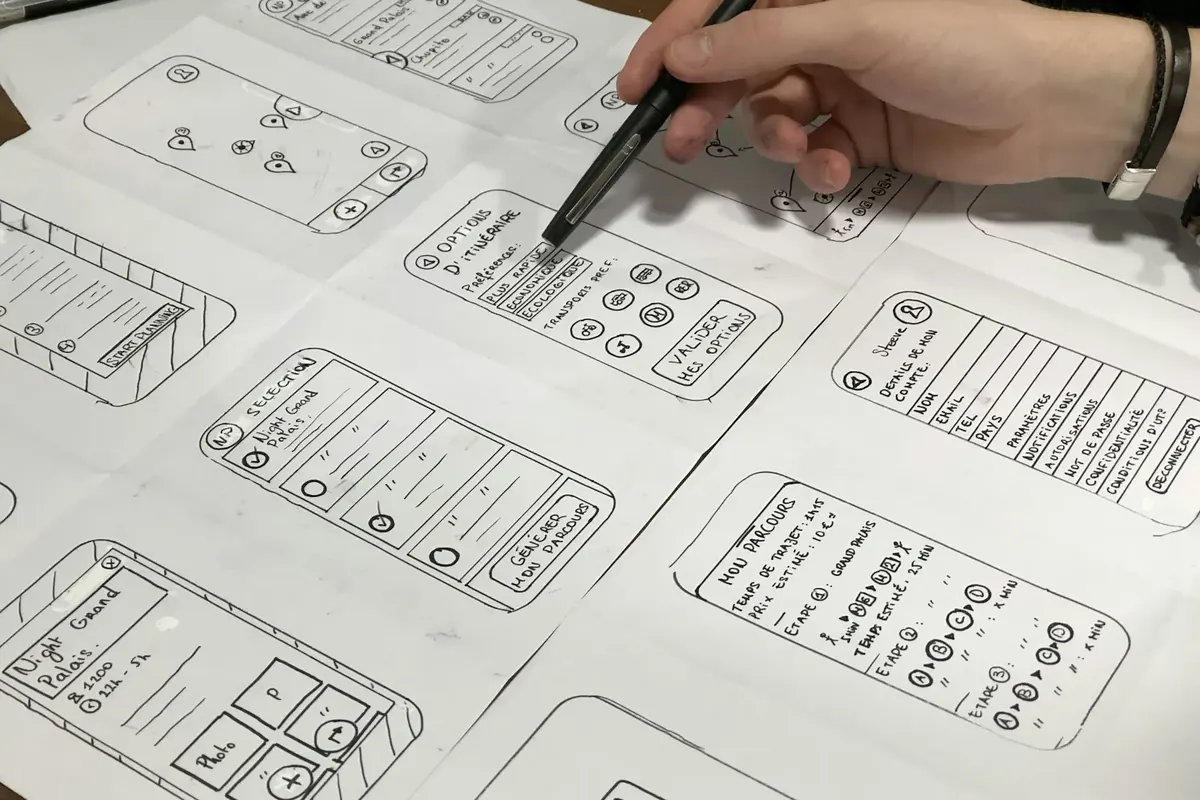
Before the first line of code, draw the user's path. For a first version 5–8 screens are enough: sign-in, home screen, the key action, profile, payment or confirmation.
- Screen map. Boxes on paper or in a free tool: what follows what and where each button leads.
- Clickable prototype. The same screens, but you can tap them. Show it to 5–7 people from your audience and see where they get lost. Fixing a prototype costs hours; fixing a finished app costs weeks.
- Design. Colors, fonts and buttons under common rules. Design is included in our packages; on its own, design and a prototype start at €1,990, and it is a good first step if you have not yet decided whether to go into development (details).
Think ahead about what the stores require: sign-in with the ability to delete an account, a privacy policy, clear explanations of permissions (camera, location). Apple includes these questions in its review rules (App Store Review Guidelines), and adding them at the last moment costs more than planning them from the start.
How long does it take to develop an app
The timeline depends on the number of screens, the back end and integrations. Cubix's overview gives roughly 1–2 months for a simple MVP, 3–6 for a mid-complexity app and 7–12 for a complex one, and these are planning estimates, not rules (Cubix). Our timelines (cross-platform development, one codebase for iOS and Android):
| Package | Timeline | What you get |
|---|---|---|
| MVP, from €10,900 | 6–8 weeks | Up to 8 screens, sign-in, notifications, store submission |
| Business, €23,900 | 10–14 weeks | Up to 20 screens, payments, admin panel, analytics, 3 months of support |
| Premium, from €54,900 | from 4 months | 30+ screens, roles, integrations, a link with the site and a bot |
Apple and Google review is not included in these timelines: it is outside our control, and we say so honestly.
What the timeline is made of
- Introduction and brief: a few days. If you have prepared a description and examples, it gets shorter.
- Design and prototype: 1–3 weeks including approvals.
- Development: the longest part, with interim results shown via a link.
- Testing and fixes: 1–2 weeks.
- Store submission: preparing materials and answering review comments.
What pushes the timeline back
Three things: late replies and approvals from your side, new features added "along the way", and waiting for store review. The first one you control fully: name one person who makes decisions and keep the materials ready. We promise timelines only when conditions are met: the brief and materials before the start.
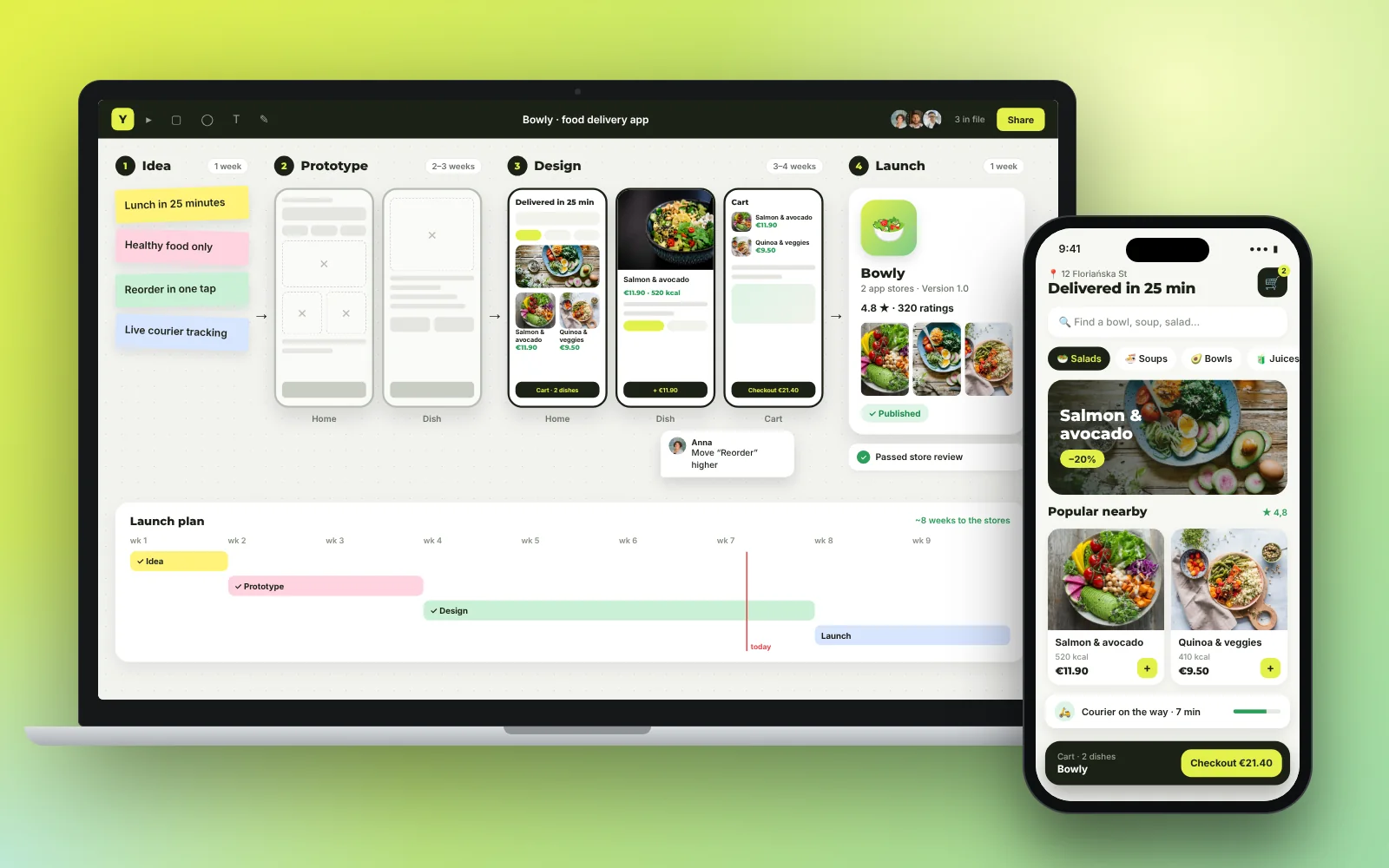
Steps 4–5: development and testing
App development has two parts: what the user sees (the screens) and what works behind the scenes (the server, the database, emails, payments). Clients usually see only the first and underestimate the second.
One codebase or two
You can write separate apps for iPhone and Android, or one codebase from which both versions are built. The second route is faster and cheaper, and for most business apps (orders, accounts, booking, catalogs) the user will not notice the difference. We take the second route. Separate native development is needed for heavy games, complex graphics and some sensors.
Previews by link
A good practice is to get a working build at every stage rather than one final one. You see the app on your own phone while it is still changing, and corrections are cheap. We give preview links for each stage.
What to check during testing
- The main scenario from start to finish on real iPhones and Androids of different sizes.
- What happens without internet and on a weak connection.
- Emails, notifications and test payments.
- Access rights: everyone sees only their own data.
- Launch speed and behavior when the screen rotates.
If you need a contractor for this kind of setup, see how we described the choice in "How to Choose a Web Development Company": the logic of vetting is the same for a site and an app.
How to publish an app on the App Store and Google Play
Publishing is not an "upload" button but a separate process with rules and human review. Start preparing 2–3 weeks before the launch date.
Developer accounts
- Apple: Apple Developer Program, $99 a year (Apple).
- Google Play: Play Console, a one-time $25 payment (Google).
Register both accounts in your own name or your company's, and invite the developer with the rights they need. Then the app stays yours even if you change teams. It is the same principle as with a website's domain and code.
What Google Play needs
If the developer account is personal and recently created, Google requires closed testing before publishing: at least 12 testers for 14 days in a row, and until this step is done, publishing to the store is unavailable (Google Play Console help). Build these two weeks into the schedule. An organization account for a company works differently, so check the rules in the help center.
What the App Store needs
The version you submit for review must be final, fully working and with working links; the app must offer more than a "packaged website" (App Store Review Guidelines, sections 2.1 and 4.2). If the app has sign-in, prepare a test login for the reviewers.
Materials for the store page
- name, short and full description, keywords;
- screenshots for different screen sizes;
- an icon;
- a link to the privacy policy and a support contact;
- answers to questions about the data the app collects.
We prepare these materials, submit the app for review and fix the comments (the "Publishing to App Store and Google Play" service, €390 if you publish outside a package; it is included in the packages). A first rejection happens, usually over small things. We do not promise review times: the stores set them.
Steps 6–8: what to do after publishing
Publishing is the beginning, not the finish. The first weeks show how the app really lives.
- Connect analytics. Installs, retention, funnels: where users drop off. Without it you will be guessing (setup from €590).
- Read the reviews and reply to them. It is free feedback and a trust factor.
- Update. New versions of iOS and Android come out every year, and the app has to adapt.
- Attract users. An app does not collect installs by itself. Store page optimization and install ads start from €590 a month.
- Add features based on data. The next feature is chosen by what analytics and users say, not by gut feeling.
If you want to see how ready you are for such a project in terms of business, team, budget and idea, use the checklist at the top of this article, or write to us on the contact page.
What to choose in your situation
- If you only have an idea so far, start with a demand check and a prototype (design and prototype from €1,990). It is the cheapest way to learn whether to go further.
- If you need a service "like a website, but on the phone", look at a PWA at €2,490: no store publishing is needed and launch is faster.
- If your customers talk to you through Telegram in your city, you may need a Mini App from €3,900 rather than a separate app.
- If you are ready to test the idea on real people, take an iOS + Android MVP from €10,900: 6–8 weeks and publishing to both stores.
- If the app must take payments and be run by a team, take "Business" at €23,900 with payments, an admin panel and analytics.
- If the app has several roles and complex links, start with an architecture session at €3,500. Its cost is credited toward the project.
The scope and prices of an app are on the iOS + Android app page, and the general price list is in the pricing section. We work in eight clear steps from first meeting to support; how it looks in practice is described in How we work.
Frequently asked questions
How much does it cost to make a mobile app?
With us, an iOS and Android app from one codebase starts at €10,900 (an MVP, 6–8 weeks). A version with payments, an admin panel and analytics is €23,900, and a complex product with roles and integrations starts at €54,900. An app made from your website (a PWA) is €2,490.
Can I make an app myself without a programmer?
For simple tasks there are app builders, but they are limited in features and design, and ownership of the app depends on the platform. If the app is to be part of your business, it is better to order development with the code and accounts in your name.
How long does it take to develop an app?
A simple version takes 6–8 weeks, a business app 10–14 weeks and a complex product from four months. Apple and Google review is not included, and the stores set its timing.
How much does it cost to publish on the App Store and Google Play?
The Apple Developer Program costs $99 a year, and Google Play registration costs $25 once. We prepare descriptions and screenshots, submit the app and fix review comments for €390 if you publish outside a package.
Why might a store reject an app?
Common reasons: the app is not fully working, there is no privacy policy, the test login does not work, or the features amount to a "packaged website". Apple reviews apps against published rules, and comments can be fixed and the app resubmitted.
What is the 12-tester rule in Google Play?
For new personal developer accounts, Google requires closed testing: at least 12 testers for 14 days in a row before it allows publishing. The rule applies to personal accounts created relatively recently, so check your account type in Google's help.
Do I need an app if I already have a website?
Not always. If customers only need information and ordering, a website or an app made from the website (a PWA) is often enough. An app is justified when notifications, the camera, geolocation, offline mode and frequent use matter.
What should I do if I only have an idea?
Check demand: talk to 10–15 potential users and study similar apps. Then make a prototype of the screens and show it to people. If interest is confirmed, move on to an MVP.